家装设计
云端设计,家装设计更高效
公装设计
秒速出图,公装设计更领先
电商棚拍
3D渲染,商品效果更精美
广告3D设计
2D秒变3D,广告设计更简单
照明设计
“秒级”操作,照明设计更专业
数字教育
科技赋能设计教育
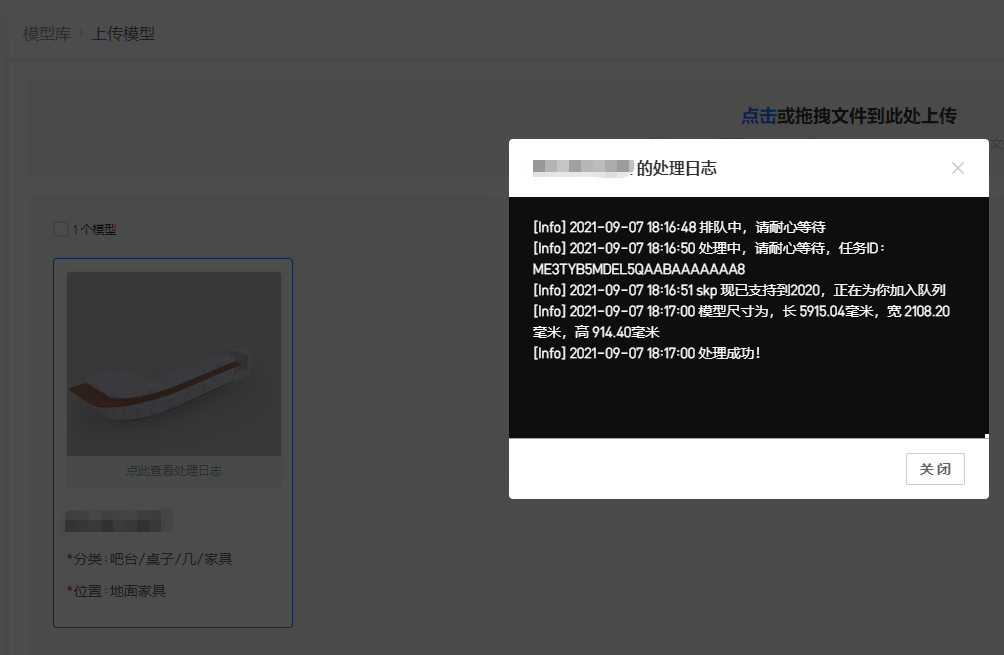
上传错误提示:渲染图模型不在中心点
因模型上传尺寸太小,模型上传完渲染位置不对
解决办法:
1. 首先检查模型单位,上传模型要求单位为毫米,尺寸错误会导致上传尺寸错误
“窗口”-“模型信息”-“单位设置”,把单位设为mm
2.如果单位为正常的,使用卷尺工具测量模型尺寸,查看模型尺寸大小。工具栏选择卷尺工具
3.选中模型,选择"缩放工具",点模型的任意一个端点就可以等比例缩放,左下角是缩放比例,可以直接输入想要缩放的数据。
标签:模型方向错误 模型不在中心点
0人觉得有帮助